Bring your PowerPoint
Sign in and choose a presentation up to 50 MB that you are authorized to process.
Keep any visuals you want analyzed embedded in the file.
Bring your PowerPoint, set your audience and use the generated notes as a draft to review, refine and rehearse.
Open workspaceSign in and choose a presentation up to 50 MB that you are authorized to process.
Keep any visuals you want analyzed embedded in the file.
Choose who you are presenting to and the language for your speaker notes so the explanation suits the people in the room.
Set the level of explanation and the amount of text you need per slide, then add any relevant context or instructions.
Use Text-only for slide text, or Text + Vision for charts, diagrams and images when available on your plan.
Check how existing notes will be handled before starting.
Start processing and follow the progress in the workspace, then review any warnings and check the generated explanation against your slides.
Open the generated PowerPoint copy, check names and figures, adapt the notes to your own voice and rehearse aloud.
Your original PowerPoint is not overwritten.
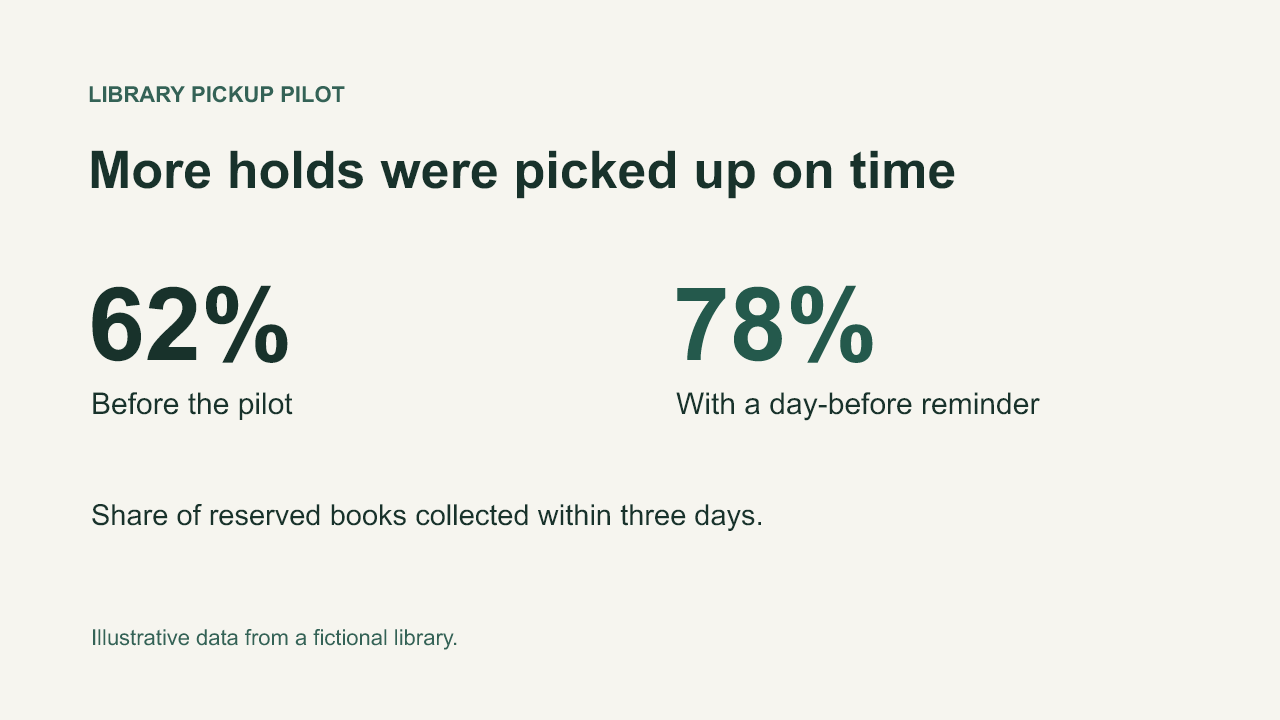
Switch between the original and the Luna result. Both use the same fictional library slide.
Free previews, Pro credits and available analysis options follow your account plan.
Use Text + Vision when available on your plan and embed the image in the PowerPoint so its content can be analyzed.
Read the message in the workspace, check that the file opens in PowerPoint and review the file-size limit; contact Support with the job reference if you need help.
Compare the explanation with your slide, verify facts and figures and remove any unsupported claims before you present.
Follow the upgrade option for your existing presentation; processing the remaining slides requires an active Pro plan and enough available credits.